Medication List Generator
Create Your Medication List
Fill out the form below to generate a complete medication list. Include all prescription drugs, over-the-counter medications, supplements, and traditional remedies.
Your Medication List
| Medication | Dosage | Frequency | Reason | Doctor | Pharmacy | Allergies | Supplements | Notes |
|---|
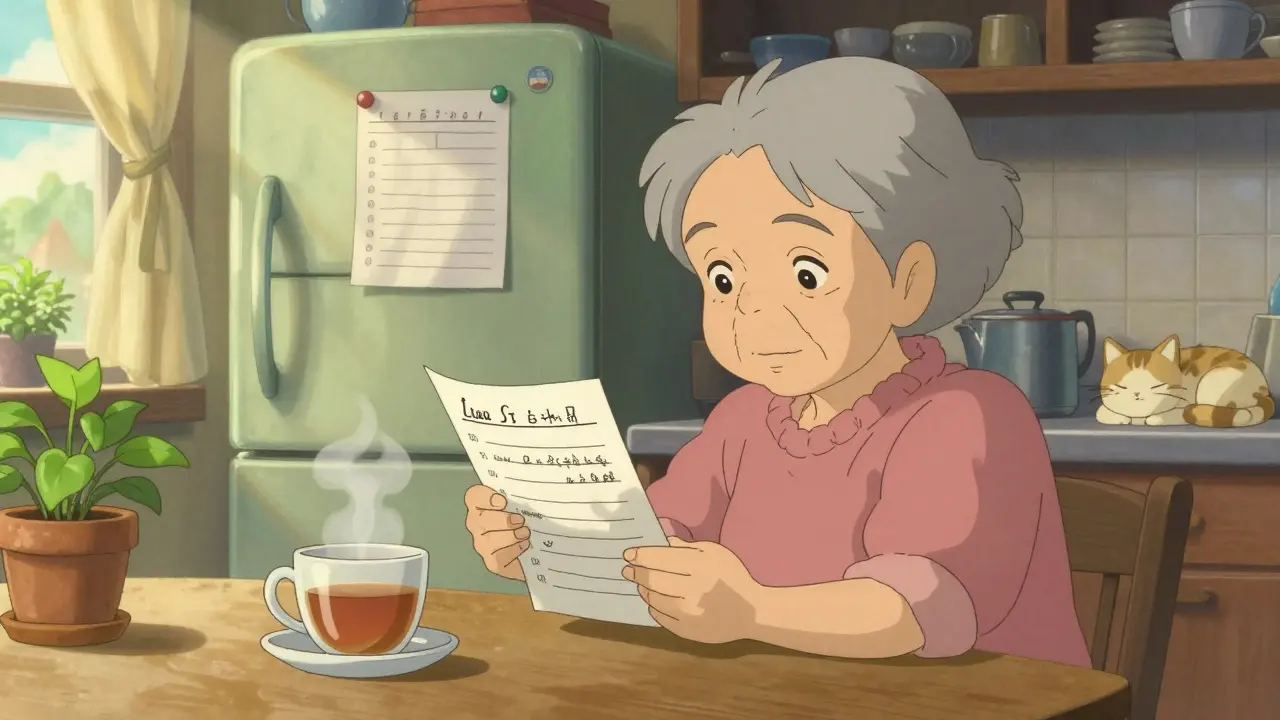
Every year, over 1.3 million people in the U.S. end up in the emergency room because of medication errors. Many of these mistakes happen because someone couldn’t remember what they were taking - or worse, because their doctor didn’t have the full picture. It’s not about forgetting a pill. It’s about missing a dangerous interaction between your blood pressure medicine and that herbal supplement you started last month. Or not knowing that your new antibiotic clashes with your heart medication. A simple, up-to-date medication list can stop all of that.
That’s why medication list templates exist. Not as fancy apps or complex systems, but as straightforward, free tools you can print, edit, or carry on your phone. They’re not just for older adults. If you take even two prescription drugs, or if you’re helping someone who does, you need one. And you don’t need to be tech-savvy to use it.
Why a Medication List Isn’t Optional
The FDA says keeping a current list of everything you take - prescriptions, over-the-counter meds, vitamins, supplements, even traditional remedies - is one of the most important things you can do for your health. Why? Because doctors don’t always know what’s in your medicine cabinet. Pharmacists don’t always have access to your full history. And in an emergency, every second counts.
A 2022 study found that 67% of patients in emergency rooms couldn’t accurately name even half of their medications. That’s not laziness. It’s overwhelming. Imagine trying to recall five different pills, each with a different dose, taken at different times of day - plus three supplements, a pain reliever you take on weekends, and that tea your grandma swears by for digestion. Now imagine that list is outdated. Maybe you stopped the statin last year. Maybe you switched the blood thinner. But the paper copy in your wallet hasn’t changed since 2022.
That’s when things go wrong. A 2024 Johns Hopkins study showed that 19% of medication lists brought to doctor appointments had at least one drug that was no longer being taken. That’s not just a mistake - it’s a risk. Your doctor might prescribe something that interacts with a drug you stopped. Or worse, they might miss a critical interaction because they think you’re still on something you quit.
What Should Be on Your Medication List
A good template doesn’t ask for everything. It asks for what matters. Here’s what you actually need to include:
- Medication name - brand and generic if different (e.g., “Lipitor” and “atorvastatin”)
- Dosage - how much you take (e.g., 10 mg, 500 mg)
- Frequency - how often (e.g., once daily, twice a day, every 6 hours)
- Reason for use - what it’s for (e.g., “high cholesterol,” “acid reflux,” “joint pain”)
- Prescribing doctor - who wrote the script
- Pharmacy - where you fill it
- Allergies and reactions - anything you’ve had a bad response to
- Supplements and herbs - even if you think they’re “natural” and safe
- OTC drugs - ibuprofen, antihistamines, sleep aids, even daily aspirin
- Notes - special instructions like “take with food,” “avoid alcohol,” or “only use during flare-ups”
Some templates add fields like “start date” or “nursing considerations,” but those are nice extras - not essentials. The goal isn’t to make a medical chart. It’s to make something you’ll actually use.
Printable Templates: Simple, Reliable, Always There
For many people - especially older adults or those without smartphones - a printed list is still the best option. The good news? You don’t need to design one from scratch. Several trusted organizations offer free, ready-to-print versions.
The ASCP Foundation template is widely recommended by pharmacists. It’s clean, professional, and includes all the key fields. It’s available as a PDF you can download and print. You can fill it in by hand or type into it using Adobe Reader. It doesn’t have fancy features, but it’s trusted by hospitals and clinics across the U.S.
The CDC’s My Medications List is another solid choice. What makes it unique? It includes a section for “traditional cultural medicine.” That means if you use herbal teas, spiritual remedies, or plant-based treatments passed down through generations, you can write them down. This isn’t just political correctness - it’s real clinical safety. Many patients don’t mention these remedies unless asked. The CDC’s template makes space for them.
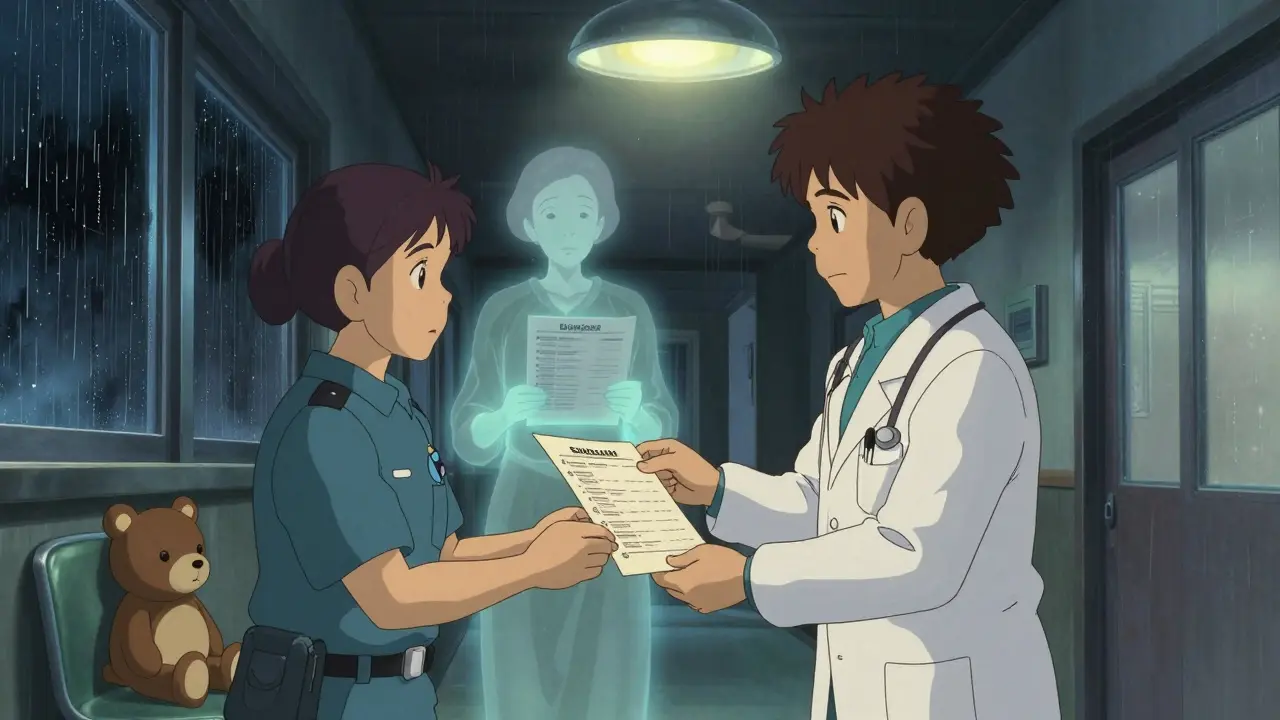
Family Caregivers Online offers a simple, easy-to-read PDF with clear labels. They also recommend keeping a copy in your wallet, another on the fridge, and a third with your caregiver. One user on Reddit said, “The fridge copy saved me when my mom had a stroke. The paramedics used it to avoid a deadly interaction with her blood thinner.” That’s not an exaggeration. That list literally saved her life.
Digital Templates: Edit, Store, and Carry Everywhere
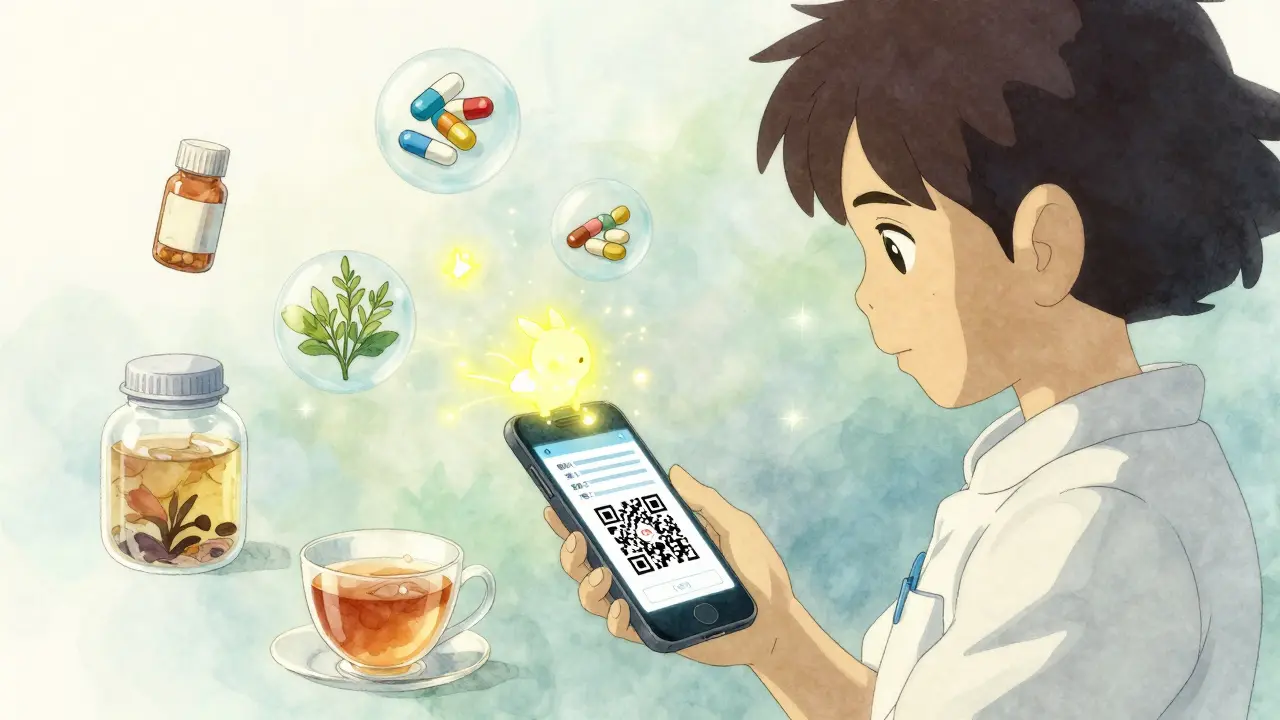
If you’re comfortable with your phone or computer, digital templates offer more flexibility. You can update them instantly. You can share them with a doctor with one click. And you can store multiple copies - on your phone, in the cloud, on your tablet.
Family Caregivers Online offers both PDF and Microsoft Word versions. The Word version lets you type, delete, and rearrange fields. You can even add a photo of your prescription bottle. And here’s a game-changer: their June 2024 update added QR codes. Scan the code with your phone, and the list opens instantly. No more digging through folders.
PrintFriendly’s template has nine fields, including a dedicated space for “notes.” This is perfect if you take a pill only during flare-ups or have special instructions like “don’t take if you’re dehydrated.”
SimpleNursing’s drug cards are designed for students, but they’re surprisingly useful for patients. They break down each medication with fields like “mechanism of action” and “side effects.” If you’re trying to understand why you’re on a certain drug, this helps. But for most people, it’s overkill. Stick to the basics unless you’re managing a complex regimen.
What Not to Do
Many people make the same mistakes. Don’t be one of them.
- Don’t print it once and forget it. If you change a dose, stop a drug, or start a new supplement, update it. Set a calendar reminder every 30 days to review your list.
- Don’t leave it in your purse or glove compartment. Keep one copy where it’s easy to grab - like your wallet, your phone, or taped to the fridge.
- Don’t assume your doctor knows. Even if you’ve been seeing the same doctor for years, they may not remember every change. Bring the list to every appointment.
- Don’t skip supplements. 23% of adults have dangerous interactions between prescription drugs and supplements. Garlic, St. John’s Wort, ginkgo - they all matter.
- Don’t use a template with more than 10 fields. A 2024 study found that templates with too many boxes were 57% less likely to be updated. Simplicity wins.
Who Benefits Most?
Anyone who takes more than one medication. But some groups benefit even more:
- Seniors over 65 - 89% take at least two prescription drugs. 54% take five or more.
- Caregivers - 68% use some kind of medication tracker, according to AARP. The right template reduces stress and prevents dangerous errors.
- People with chronic conditions - diabetes, heart disease, epilepsy, or kidney disease often require complex regimens.
- Those taking supplements - 76% of adults use at least one supplement. Many don’t tell their doctors.
It’s not just about age. It’s about complexity. If you’ve ever been confused by your own pill schedule, you need this.
Future of Medication Lists
Right now, most people still use paper. But the shift is happening. The FDA’s 2024 Digital Health Plan is pushing for medication lists to connect directly with electronic health records. Gartner predicts that by 2026, 75% of medication lists will be managed via smartphone apps.
Some apps - like Medisafe and Round Health - auto-sync with pharmacies and send reminders. But they’re paid services. The free templates we’re talking about? They’re not going away. They’re evolving. QR codes. Cloud backups. Voice-to-text entry. These features are being added to free templates now.
The real win isn’t about going digital. It’s about having a list that’s accurate, accessible, and updated. Whether it’s on paper, on your phone, or both - what matters is that it’s there when you need it.
How to Start Today
You don’t need to wait. Here’s how to get started in under 15 minutes:
- Collect every pill bottle, supplement container, and OTC box in your home.
- Download one of the free templates - ASCP, CDC, or Family Caregivers Online.
- Fill in every medication, dose, and reason. Include supplements and herbs.
- Print a copy. Save a digital version on your phone.
- Put the printed copy in your wallet and on your fridge.
- Set a monthly reminder on your phone to review and update.
That’s it. No apps to install. No subscriptions to pay. Just a simple list that could save your life.
What’s the best free medication list template?
For most people, the Family Caregivers Online template is the best balance of simplicity and usefulness. It’s available in both printable PDF and editable Word formats, includes space for supplements and traditional remedies, and now has QR code support. If you want a more clinical format, the ASCP Foundation template is trusted by hospitals. If you’re part of a community that uses traditional medicine, the CDC’s version is uniquely designed to include those remedies.
Should I use a digital app instead of a printable template?
Digital apps can be helpful if you’re comfortable with technology and want automatic reminders or pharmacy syncing. But for many, especially older adults, they’re harder to use and more prone to being ignored. Printable templates are simpler, don’t require batteries or Wi-Fi, and can be shown to paramedics without unlocking a phone. The best approach? Use both. Keep a printed copy in your wallet and a digital version on your phone.
Do I need to include vitamins and supplements?
Yes. Supplements aren’t harmless. St. John’s Wort can interfere with antidepressants. Garlic and ginkgo can thin your blood and cause dangerous bleeding during surgery. A 2024 report from the American Pharmacists Association found that 23% of adults experience potential drug-supplement interactions. If you take anything beyond a daily multivitamin, write it down.
How often should I update my medication list?
Update it every time you change a medication - whether you start, stop, or change the dose. At a minimum, review it every 30 days. Set a recurring reminder on your phone for the first day of each month. That’s easier than trying to remember after every doctor visit.
Can I use a template if I don’t have a computer or printer?
Absolutely. You can handwrite your list on a piece of paper using the same structure: name, dose, frequency, reason, doctor, and notes. Many clinics and pharmacies have printed versions you can pick up. If you’re helping someone else, ask your pharmacist - they often keep stacks of free templates. The format doesn’t matter as much as the consistency and accuracy.
What if I’m helping an elderly parent who can’t write or read well?
Take the pill bottles with you to the pharmacy. Ask the pharmacist to help you create a simple list using large print. Many pharmacies now offer free medication reviews where they’ll go over everything with you. You can also take photos of each bottle and label them on your phone. A picture of the bottle with the name and dose written next to it works better than a confusing chart for someone with vision or memory issues.
Medication safety doesn’t require high-tech tools. It requires a clear list, updated regularly, and carried with you. Whether you print it, type it, or write it by hand - the most important thing is that you do it. Because when it matters most, you won’t have time to remember. You’ll need to show.

Casper MacIntyre
Hello, my name is Casper MacIntyre and I am an expert in the field of pharmaceuticals. I have dedicated my life to understanding the intricacies of medications and their impact on various diseases. Through extensive research and experience, I have gained a wealth of knowledge that I enjoy sharing with others. I am passionate about writing and educating the public on medication, diseases, and their treatments. My goal is to make a positive impact on the lives of others through my work in this ever-evolving industry.
9 Comments
-
Nicholas Gama
March 10, 2026 AT 12:30Free templates? Please. The real issue is that the FDA and pharma lobby don't want you to have control. They profit from confusion. A simple list? Too easy. They need you dependent on apps, subscriptions, and 'smart' pill dispensers that leak your data. Paper is freedom. Paper is safety. Paper doesn't track you.
-
Mary Beth Brook
March 10, 2026 AT 16:43Our national healthcare crisis is rooted in complacency. If you're not maintaining a current, standardized, FDA-aligned medication log - you're not just negligent, you're a liability to the system. This isn't personal. It's public health infrastructure. And if you're using some 'DIY' scribble on a napkin, you're putting emergency responders at risk. Get the ASCP template. Now.
-
Neeti Rustagi
March 11, 2026 AT 01:58It is truly commendable that such a vital tool as the medication list template has been made accessible to the public. In my practice as a healthcare coordinator in Mumbai, I have witnessed firsthand how even the most basic documentation can prevent catastrophic outcomes. I encourage all individuals, regardless of technological access, to adopt this practice with diligence and consistency. The dignity of human life depends on such small, disciplined acts.
-
Dan Mayer
March 11, 2026 AT 09:41u forgot to mention that some templates have typos. I used the CDC one and it misspelled 'atorvastatin' as 'atorvostatin'. My pharmacist called me out. I was like... wtf. I updated it but now I'm paranoid. How many other templates have errors? Are we supposed to fact-check the fact-checkers? lol
-
rafeq khlo
March 13, 2026 AT 08:29The notion that a printed sheet can replace clinical intelligence is dangerously simplistic. The complexity of polypharmacy demands algorithmic oversight not paper. Your template does not account for pharmacokinetic interactions, renal clearance, or CYP450 enzyme modulation. You are not managing risk - you are performing performative compliance. The real solution is EHR integration. Everything else is theater.
-
Jazminn Jones
March 15, 2026 AT 02:21Family Caregivers Online’s template? How quaint. The inclusion of 'traditional cultural medicine' is performative allyship - not clinical rigor. It dilutes the utility of the form. A proper medication log should be sterile, standardized, and stripped of anthropological noise. If someone is taking 'spiritual remedies,' they should be referred to a psychiatrist, not accommodated in a clinical document.
-
George Vou
March 16, 2026 AT 11:19why do i need to write down my meds when my pharmacy already has them? they send me texts every time i refill. also i just take 2 pills a day, i dont need a whole spreadsheet. this feels like overkill
-
Scott Easterling
March 18, 2026 AT 05:10Okay, so let me get this straight... we're supposed to trust a free PDF from some 'Family Caregivers Online'... but we're not supposed to trust the hospital's own system? And the CDC template includes 'traditional remedies'? Like, what's next? A field for 'astrological alignment'? And you're telling me to update it monthly? Bro, I can't even remember my Wi-Fi password. This whole thing is a scam to get people to buy apps. I'm just gonna keep my bottle labels in a shoebox. It's more reliable.


Write a comment
More Articles

Insulin Allergies: How to Spot and Handle Injection Reactions
Insulin allergies are rare but serious. Learn how to spot the signs - from itchy bumps to life-threatening reactions - and what to do if you react to your insulin injection.

Crohn's Disease and Gluten Intolerance: Key Signs and What to Watch For
Explore the link between Crohn's disease and gluten intolerance, learn warning signs, testing methods, and dietary steps to manage symptoms effectively.

High-Risk Medications Requiring Extra Verification Procedures
High-risk medications like IV insulin, opioids, and chemotherapy require strict double-check procedures to prevent deadly errors. Learn which drugs demand extra verification, how the process works, and why technology is changing safety protocols.
Katy Shamitz
March 9, 2026 AT 18:27I can't believe people still don't get this. I had my mom's entire medication list printed and laminated after she nearly died from mixing St. John’s Wort with her blood thinner. She swore it was 'just herbal' and 'no big deal.' Turns out, it was a big deal. Now she keeps one in her purse, one taped to the fridge, and one in her walker. I'm not joking - it saved her life. If you're not doing this, you're playing Russian roulette with your health.